7 Website Mistakes You Need to Fix for Better SEO
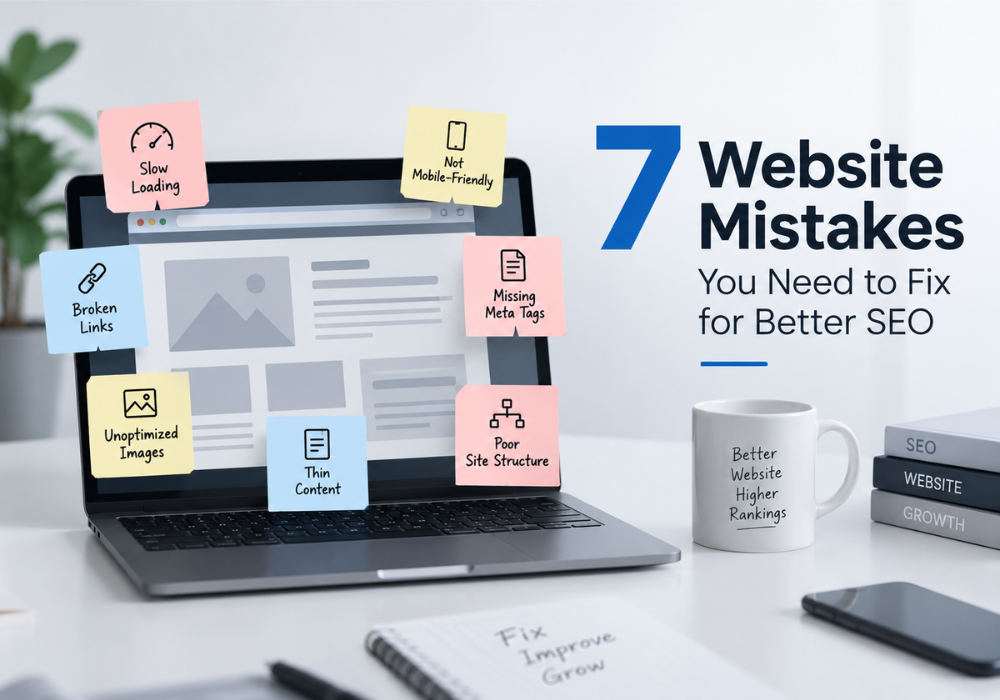
You can publish great content, build backlinks, and target the right keywords, but if your website has basic technical or user experience problems, your SEO performance can still suffer.
Search engines look at much more than keywords when deciding where a page should appear in search results. They also consider factors such as page speed, mobile usability, website structure, accessibility, content quality, and how easily search engines can crawl and understand your pages.
The good news is that many SEO problems are not difficult to fix. You just need to identify them first.
If your website is not getting the organic traffic you expected, these seven common website mistakes are a good place to start.
1. Your Website Is Too Slow
Nobody likes waiting for a website to load. Your visitors do not, and search engines do not want to send users to a frustrating experience either.
A slow website can happen for several reasons. Large image files, unnecessary plugins, poorly written code, excessive scripts, cheap hosting, and unoptimized themes can all contribute to slow loading times.
This becomes even more important on mobile devices, where users may have slower connections or less powerful hardware.
You do not need to make your website extremely complicated to improve its speed. Start with the basics:
- Compress large images before uploading them.
- Use modern image formats such as WebP where appropriate.
- Remove unnecessary plugins and scripts.
- Enable browser caching.
- Use a reliable hosting provider.
- Minify CSS and JavaScript where possible.
- Avoid loading unnecessary third-party scripts.
You can use tools such as Google PageSpeed Insights to identify specific performance issues.
A faster website can improve the overall experience for visitors and make it easier for search engines to crawl your pages efficiently.
2. Your Website Is Not Mobile-Friendly
A website that looks good on a desktop computer can still provide a poor experience on a smartphone.
Think about how most people browse the internet today. They are often using their phones while travelling, waiting somewhere, or simply searching for something quickly. If your website requires users to zoom in, scroll sideways, or struggle to click tiny buttons, many of them will leave.
Mobile usability is therefore not something you should treat as an optional design feature.
Check your website on different screen sizes. Pay attention to:
- Text size and readability
- Button and link spacing
- Navigation menus
- Image sizes
- Forms
- Page layout
- Pop-ups and banners
- Horizontal scrolling
A responsive website should automatically adapt its layout to different devices.
Before publishing a new page, do not just check it on your laptop. Open it on your phone as well. A few minutes of testing can reveal problems that are easy to miss on a desktop.
3. Your Website Structure Is Confusing
Imagine walking into a store where nothing has a label and products are placed randomly. Finding what you need would be difficult.
Websites can have the same problem.
A confusing website structure makes it harder for visitors and search engines to understand how your pages relate to one another.
For example, a business website might have separate pages for SEO, Google Ads, social media marketing, web development, and graphic design. If these pages are poorly organized and there are no meaningful connections between them, both users and search engines may struggle to navigate the site.
A simple website structure usually works best.
Your main navigation should lead visitors to important sections of the website. Related pages should be connected through relevant internal links.
For example, a blog discussing search engine optimization could naturally link to your main SEO service page. Similarly, a page about website development could link to related services or useful resources.
Internal linking helps users discover more content while also giving search engines additional context about your website.
4. You Are Ignoring Title Tags and Meta Descriptions
Sometimes the problem is not the content on your page. It is how that content is presented in search results.
Your title tag is one of the first things users see when your page appears on Google. The meta description can also influence whether someone decides to click your result.
A common mistake is using generic titles such as:
Home | Company Name
or
Services | Company Name
These titles tell users very little.
Instead, your title should clearly communicate what the page is about and naturally include the main search term when appropriate.
For example:
SEO Services in Kerala | Adam Innovations
is much more descriptive than:
Our Services | Adam Innovations
The same principle applies to meta descriptions. Write them for people, not just search engines. Explain what the page offers and give users a reason to visit.
Also avoid stuffing keywords repeatedly into your titles and descriptions. A clear and natural description is more useful than a sentence that sounds like it was written entirely for a search algorithm.
5. Your Images Are Not Optimized
Images can make a website more attractive, but poorly optimized images can also create SEO and performance problems.
One of the most common mistakes is uploading a huge image directly from a camera or design tool without reducing its file size.
A single oversized image can add unnecessary loading time to a page, especially on mobile connections.
Image optimization should include more than compression.
Use descriptive file names instead of meaningless names such as:
IMG_4827.jpg
A better file name might be:
seo-services-kerala.jpg
You should also add appropriate alt text to important images. Alt text helps describe an image when it cannot be displayed and provides useful context for accessibility.
For example, instead of:
Alt text: image
you could use:
Alt text: SEO team analyzing website performance
Just remember that alt text should describe the actual image. Do not fill it with a list of keywords.
6. Your Content Is Thin, Outdated, or Created Only for Keywords
SEO is not about putting a keyword on a page as many times as possible.
A page can target the right keyword and still perform poorly if it does not properly answer the user’s question.
Thin content is one common problem. A page containing a few generic sentences may not provide enough information for users to understand a topic or make a decision.
Outdated content can create another problem.
Imagine searching for an SEO guide and finding an article that references old tools, outdated search practices, or statistics from many years ago. Even if the article once performed well, it may no longer satisfy the searcher’s needs.
Review your important pages regularly.
Ask yourself:
- Does this page answer the user’s actual question?
- Is the information still accurate?
- Are there outdated examples or statistics?
- Does the page provide something useful beyond repeating basic information?
- Can the content be made clearer or easier to understand?
Do not update a page simply by changing a few words. If the topic has changed significantly, improve the content properly.
For businesses that rely heavily on organic traffic, working with an experienced SEO agency in Kerala can also help identify content gaps, technical problems, and opportunities that are easy to overlook internally.
7. You Have Broken Links and Pages That Cannot Be Found
Websites change over time.
Pages get deleted. URLs change. Products are discontinued. Old blog posts are moved to new locations.
The problem is that the links pointing to those pages may remain.
When a visitor clicks a link and reaches a 404 error page, the experience becomes frustrating. Search engines can also encounter unnecessary crawling problems when websites contain large numbers of broken or poorly managed URLs.
Regularly check your website for broken internal links.
If a page has permanently moved, use an appropriate redirect to send users and search engines to the relevant new URL. If a page has been removed and there is no suitable replacement, make sure the situation is handled correctly rather than creating chains of unnecessary redirects.
You should also check your important pages regularly to make sure they are accessible and indexed as intended.
Tools such as Google Search Console can help identify indexing and crawling issues that may not be obvious when browsing your website normally.
Final Thoughts
SEO problems are not always caused by complicated algorithm changes or highly technical issues. Sometimes, the biggest problems are sitting right on your website.
A slow page, poor mobile experience, confusing navigation, missing metadata, oversized images, weak content, or broken links can gradually affect how users interact with your website and how search engines understand it.
The important thing is to treat SEO as an ongoing process rather than a one-time task.
Start with the basics. Check your website speed, test the mobile experience, review your page structure, improve important content, optimize images, and regularly monitor technical issues.
You do not have to fix everything in one day. Prioritize the problems that have the biggest impact on users and search visibility, then work through the rest systematically.
A technically sound website gives your content a stronger foundation. Once the basics are in place, your keyword strategy, content marketing, internal linking, and backlink efforts have a much better environment in which to work.